
Export files
Individual files:
-
On the ribbon, select Files.
-
Next to the file name, hover your cursor over More actions (
 ).
). -
In the list of actions, select either Export modified file (
 ) or Export original file (
 ). The modified version of a file includes all comments and extraction ranges.
 -
The file is downloaded to your computer.
Multiple files:
-
On the ribbon, select Files.
-
Select Export options (
). -
Select an option to determine which files to export, and in what file format. Select Confirm.
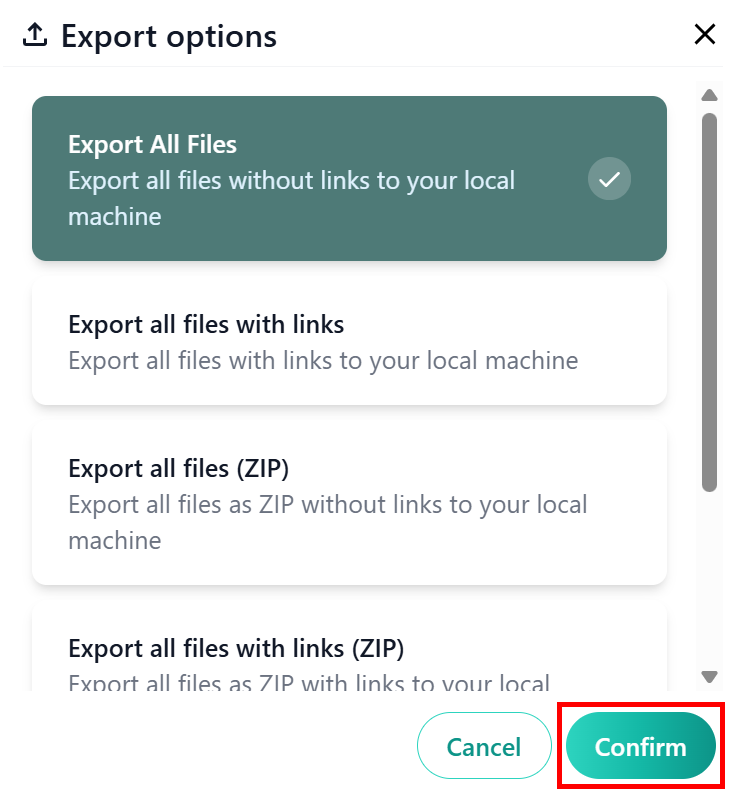
-
The files are downloaded to your computer.
