
Create a new engagement
When you are ready to begin work on a client engagement, the first thing you will do is create the new engagement file. In Caseware Cloud, you can create your engagement file in the client entity, set key dates and budgets and assign staff members to the file. Refer to docs.caseware.com for more information.
To create a new PBC Requests engagement:
-
From the Cloud menu (
 ), select PBC Requests.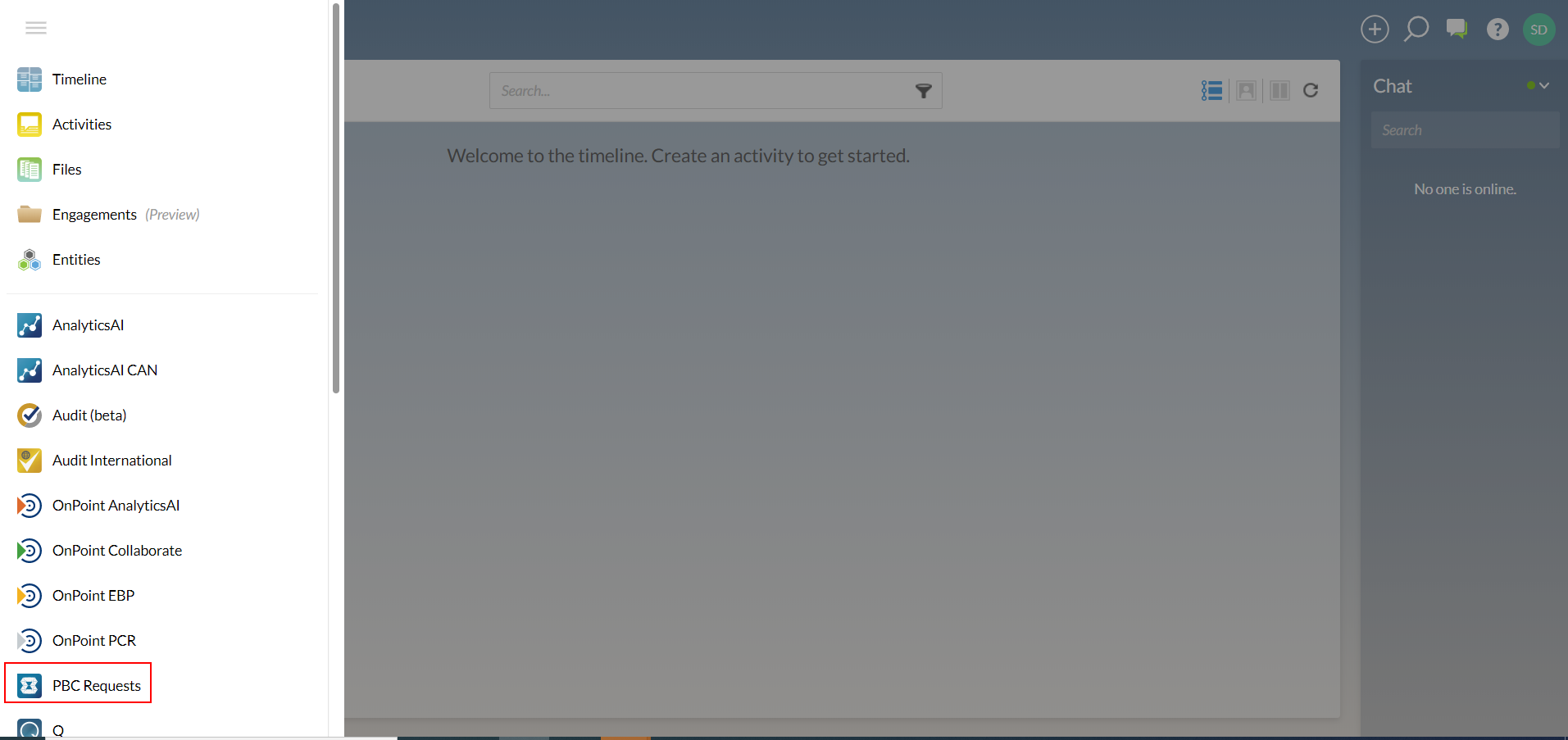
-
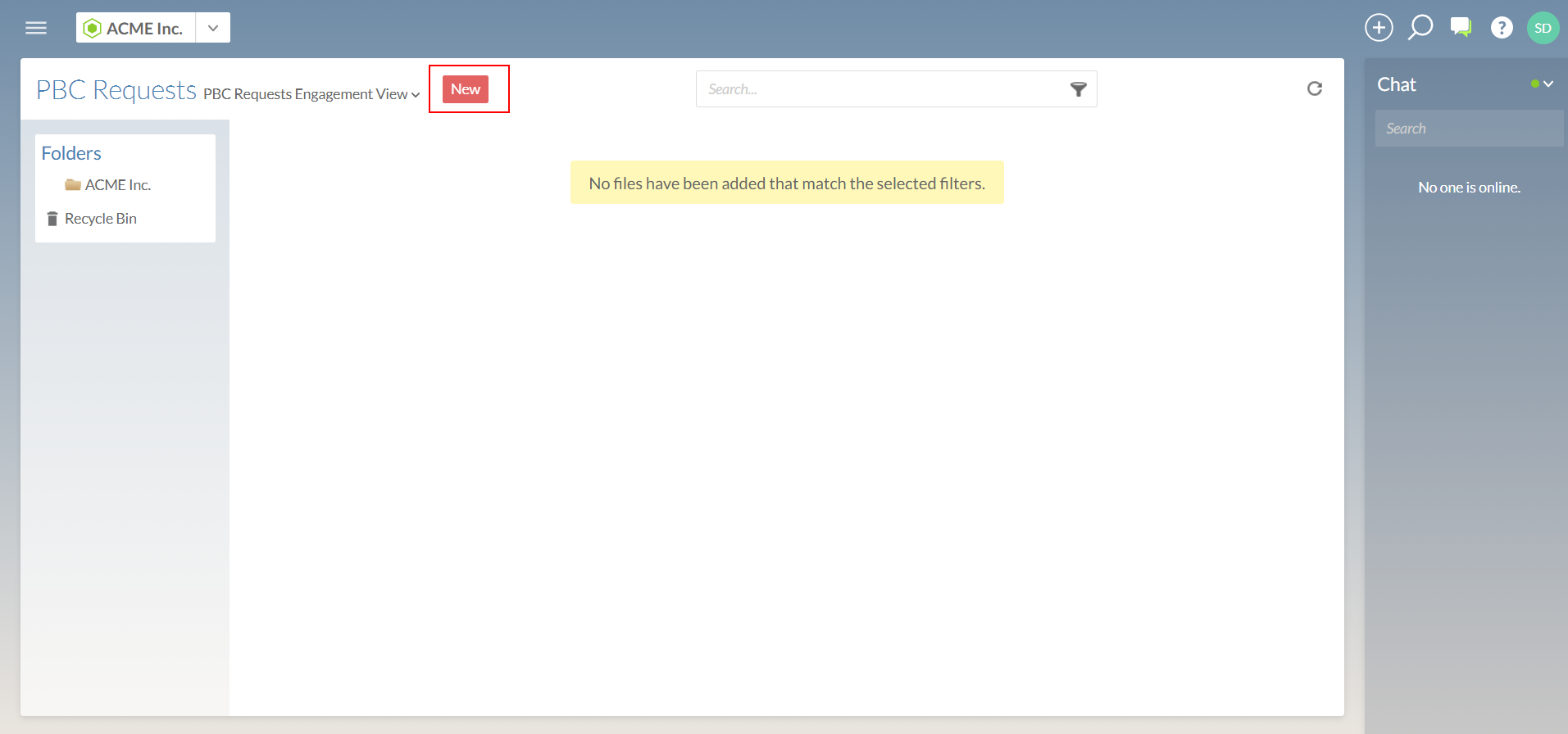
Select the New button.
-
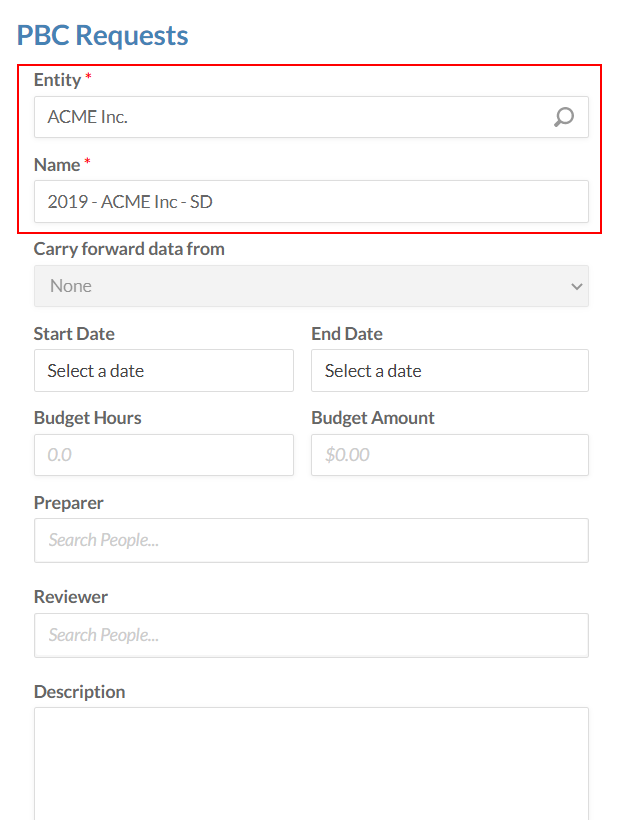
In the PBC Requests dialog, choose your client Entity and enter the Name for the engagement as shown below.
-
In the Preparer field, enter your first name to search for your account. Select your account to assign yourself as the preparer.
-
In the Reviewer field, enter part of another staff member's name. Select their account to assign them as the reviewer.
-
At the bottom of the PBC Requests dialog, select Save.
You have now created your new engagement, and you have assigned staff in the firm to prepare the engagement and review it.
