Extract a sum
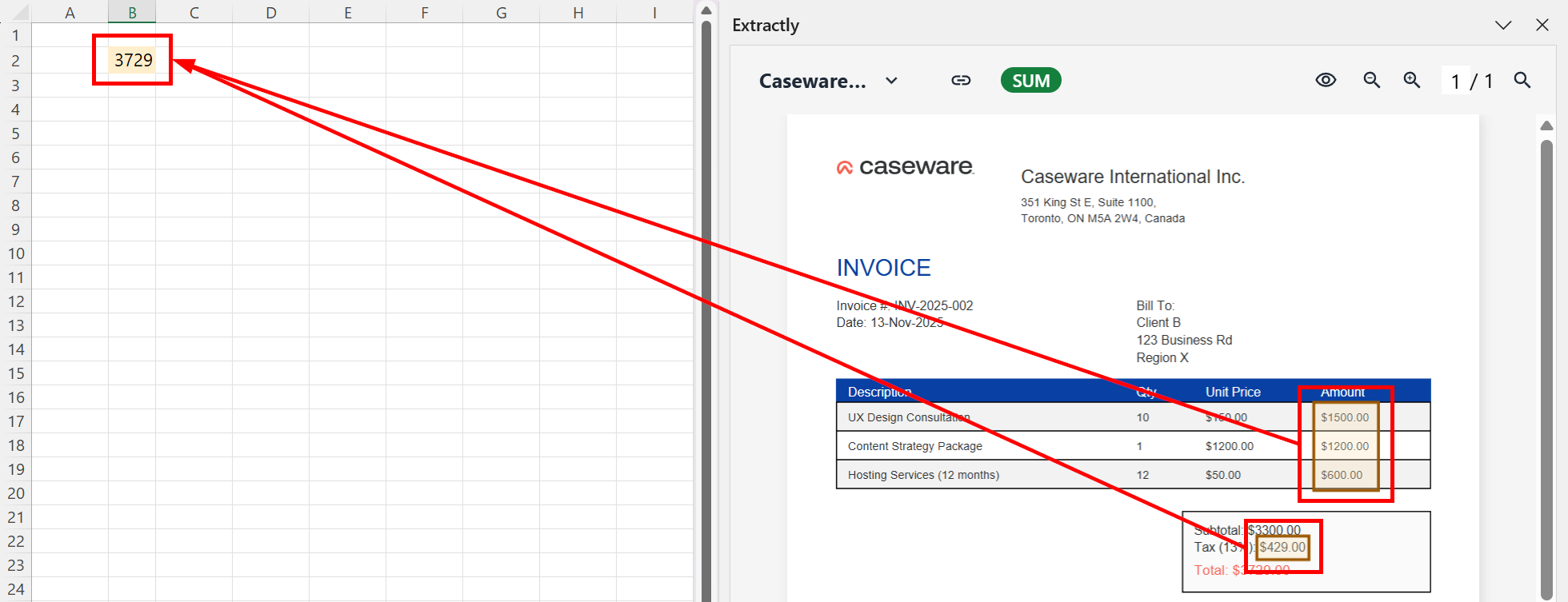
Use Sum to capture numerical values from selected areas of a file and insert their total into your worksheet.
-
On the ribbon, select Sum.
-
In your worksheet, select the cell where you want to insert the calculated sum.
-
On the sidebar, draw a box around the numbers to total. Hold Ctrl to select multiple areas.
-
The sum of the values appears in the cell.