
Organize files
You can organize your uploaded files using folders.
-
On the ribbon, select Files.
-
Select New folder (
 ) and enter a folder name, then select Confirm.
 -
A new folder is added to the sidebar.
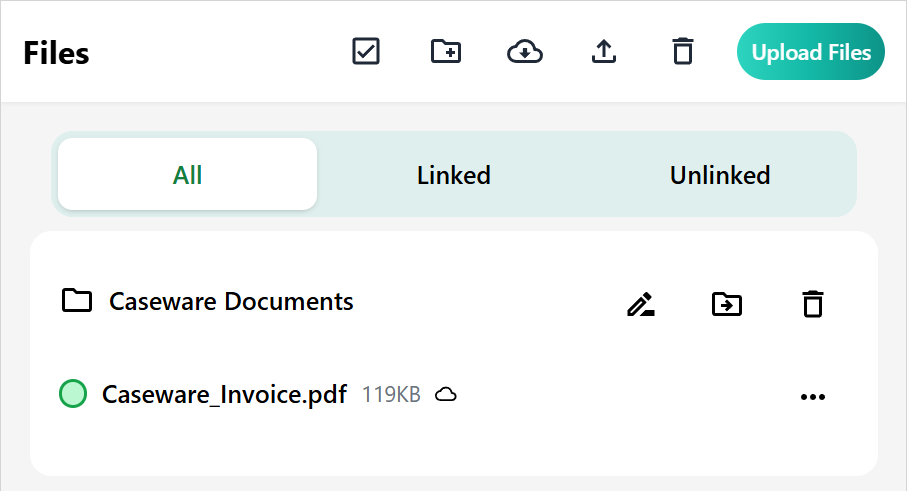
You can then move existing files into your new folder structure.
Individual files:
-
Next to the file name, hover your cursor over More actions (
 ).
). -
In the list of actions, select Move (
 ).
). -
Choose the folder where you want to move the files, then select Confirm.
Multiple files:
-
Click Select files (
 ).
). -
Select the files you want to move, then select Move selection (
). -
Choose the folder where you want to move the files, then select Confirm.
