
Comment on files
You can comment on files to provide or request additional information from others.
-
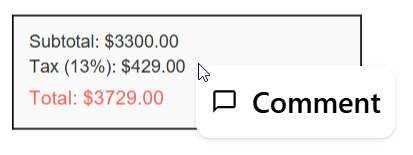
On the sidebar in a file, right-click where you want to insert the comment, then select Comment.
-
Enter your comment in the field, then select the Send icon (
 ).
). -
A comment icon (
 ) appears where the comment was added. Select the icon to view the comment.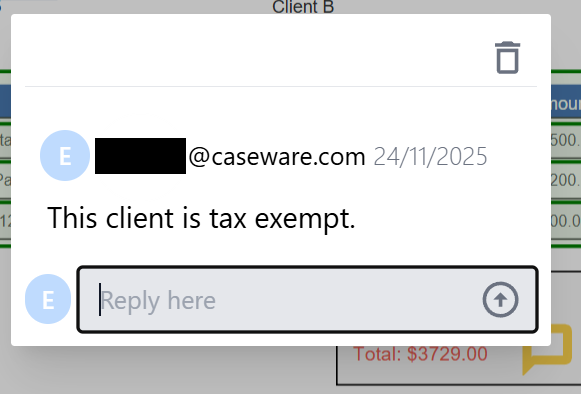
Note: Comments are also visible in modified exports of the file.
