Review and customize signoff schemes
Note: Custom signoff roles and schemes are only available if they have been enabled in your product.
Sign-off schemes are the applicable combination of preparer and reviewer roles required to sign off on a document. You can review and customize the signoff scheme in the Document Properties dialog for any document type that can be signed off on, including the risk report and the risk assessment report. Note that you cannot sign off on queries.
If you don't select a signoff scheme for a document, the default signoff scheme is applied. You can modify this default scheme but you cannot delete it. See Set up signoff schemes to learn more.
Note: You can also review and customize the signoff schemes for risks from the Risks | General and Risks | Assessment tabs in the Product Settings. See Access the product settings to learn how to navigate to the product settings.
With signoff schemes now in place, the following takes effect in engagement files:
-
The More actions ( ) | Sign-offs option is available to allow you to view signoff details and progress.
With this option enabled, you can hover anywhere next to the document name to display the gray pencil icons ( ) and sign off by selecting the icons. You can also select the hollow circle icon (
 ) next to the document name to sign off. To remove your signoff, you can select the (
 ).
).
Note: Users with Admin, Settings Admin role or similar can remove signoffs by other users. Non-admin users can only remove their own signoffs. To learn more about roles, see Built-in roles and Assign security roles.
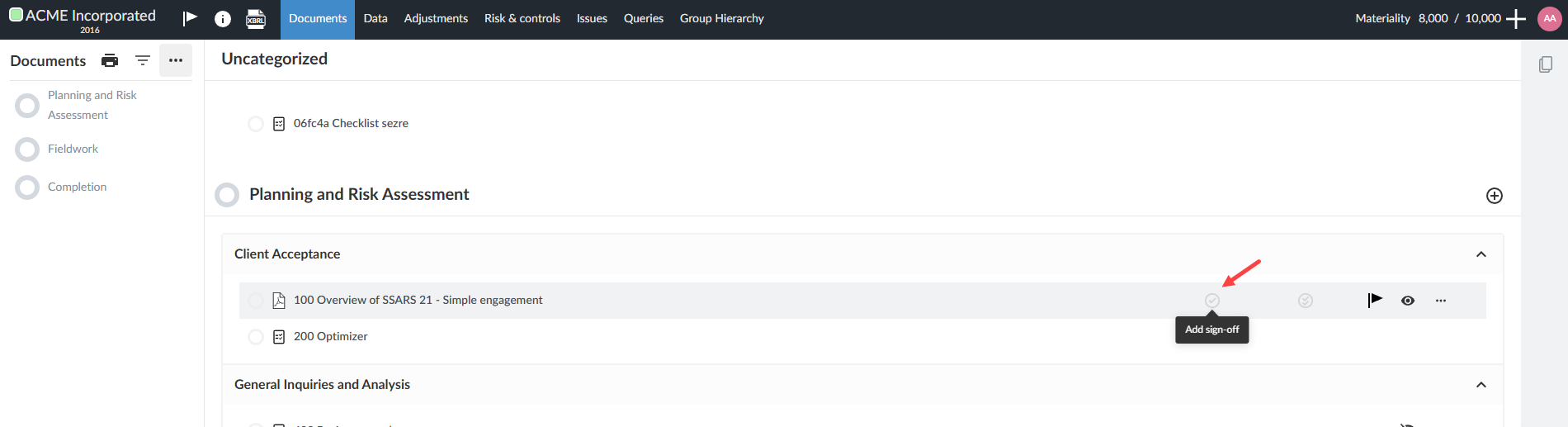
As the designated reviewers and preparers sign off, icons display in the Documents page to help track the progress on signoff:
You can also select any of the above icons to display a log that shows:
