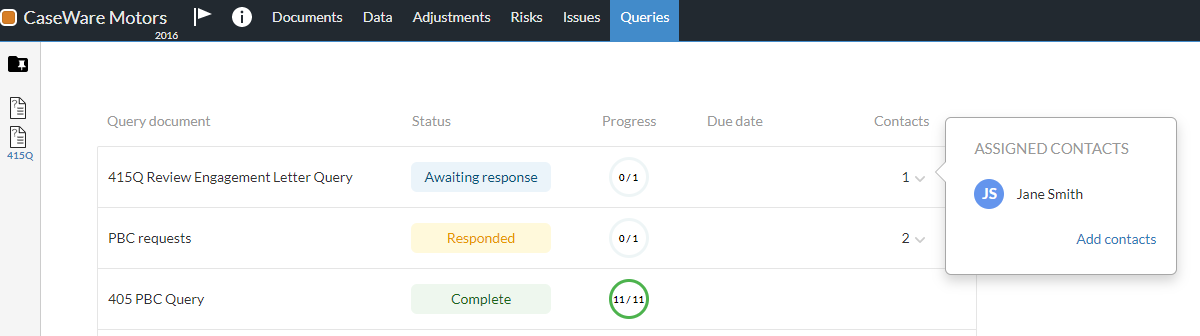
To keep track of your progress and contacts' progress on queries, you can go to the Query Dashboard page. The dashboard features a list of the visible queries in the engagement file. It consists of the following columns:
To access the Query Dashboard in your engagement file:
Open the engagement file.
Go to the Queries page.
A list of the available queries in the engagement file displays on the page. Select a column to sort the list by status, progress, due date, or alphabetically.
Note: Only visible queries display in the list. If a query is hidden due to visibility settings, it does not show in the Query Dashboard.