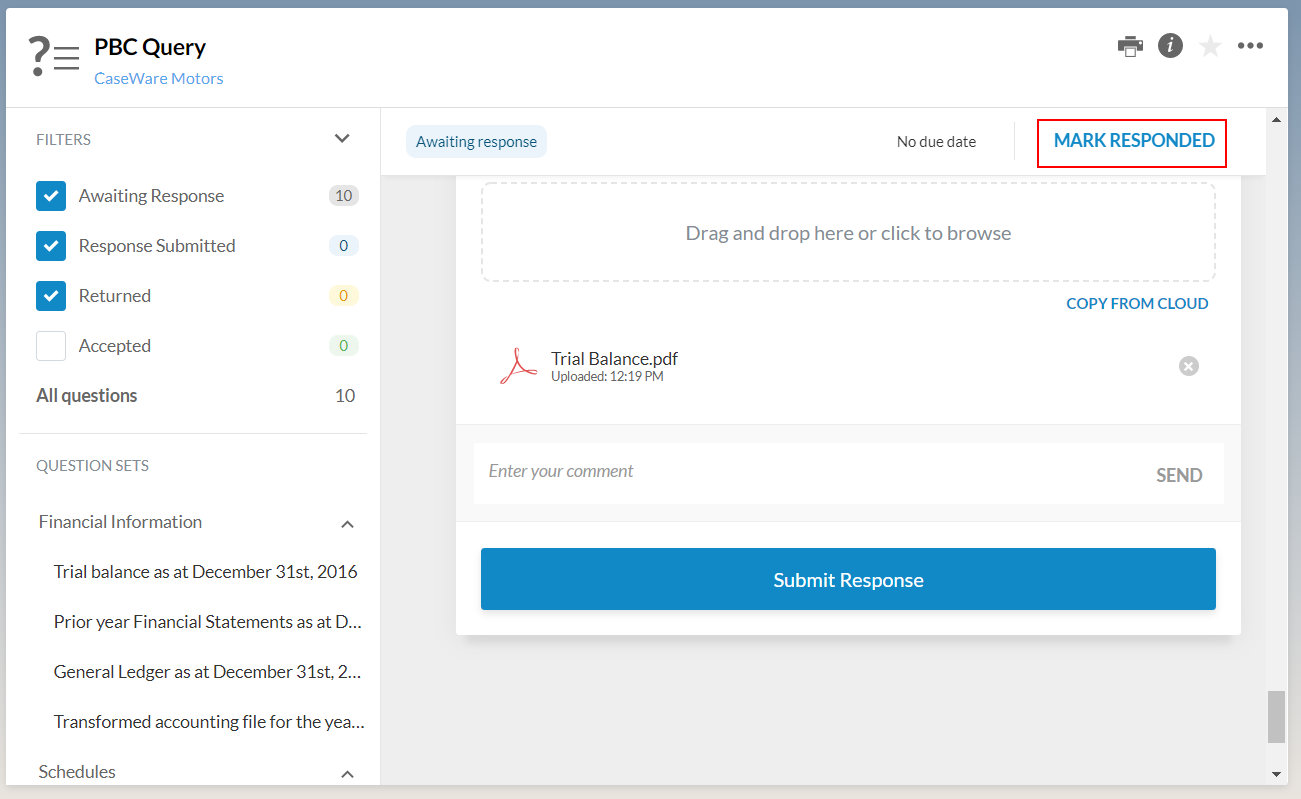
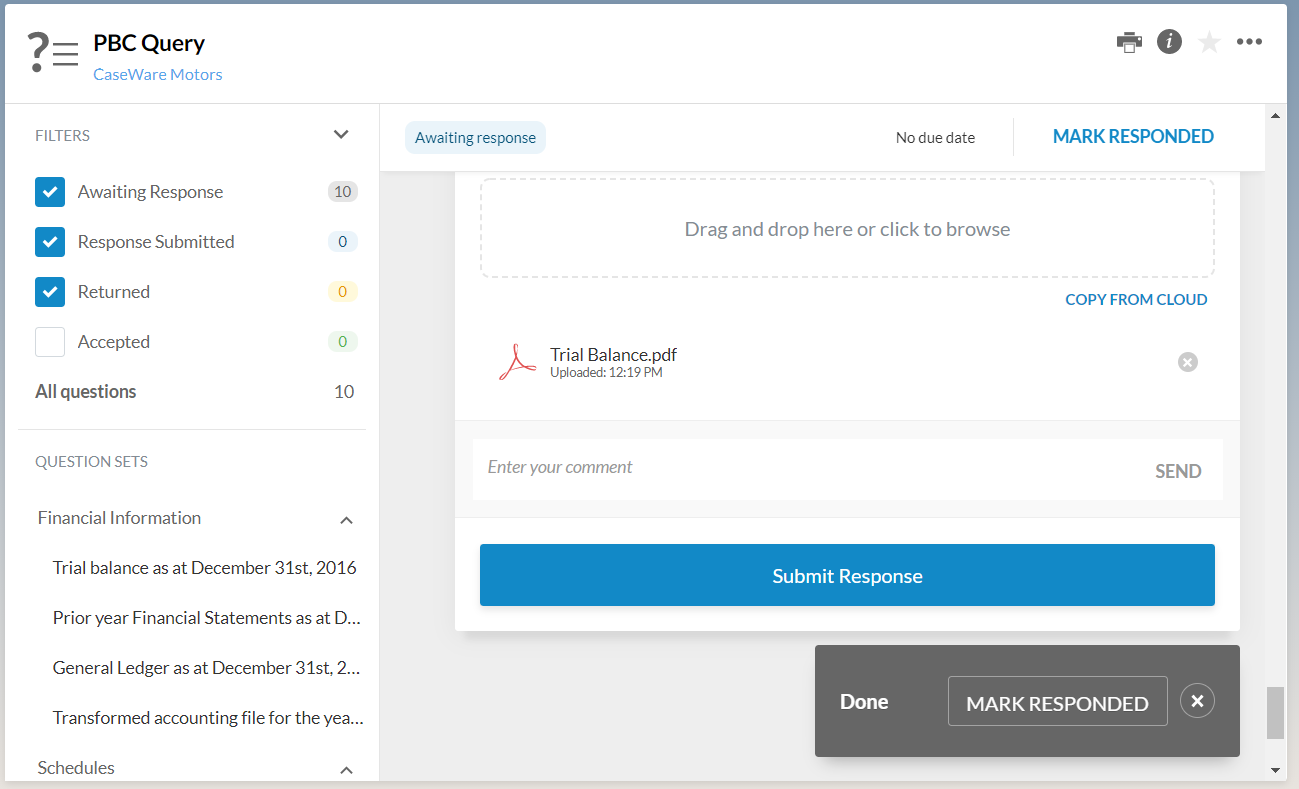
Once all questions are marked as responded, a notification message displays featuring the MARK RESPONDED button so the contact can easily proceed to the next step in the workflow.
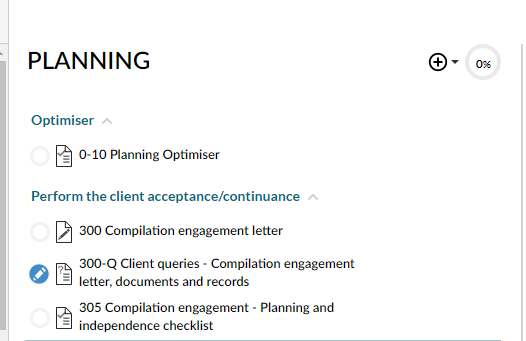
Once the query status changes to Responded, the Responded icon ( ) becomes available next to the query in the Documents page.
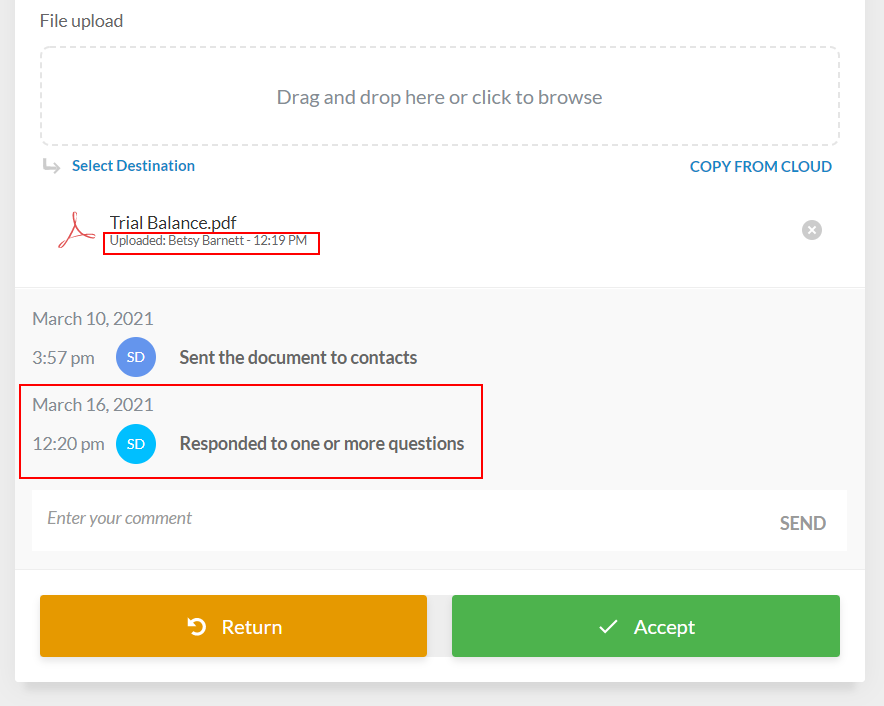
Open the query to start reviewing responses. Notice how the time of the response and the name of the contact that has responded to each query question displays.